

In the world of video editing, Camtasia is one of the best apps. It is hands-down one of the most preferred video editing apps. However, beginners might not want to invest a lot in it at once.
Even though it gives you special video editing features, it may not be affordable for all users. Therefore, if you are searching for Camtasia Alternatives, you have landed on the right page.
In this article, we have handpicked the best Camtasia Alternatives that work similar or better than Camtasia, so you don’t have to sacrifice the features and get the best Video editing apps without any hassle.
So, let us not waste any time and see all the reliable alternatives to Camtasia which won’t dig a hole in your pocket and are budget-friendly.
Best Camtasia Alternatives: (The Ultimate List)
1. Filmora
Wonder share “Filmora” is one of the latest and best video editing and screen recording apps. It is an excellent alternative to Camtasia, as it has similar software features.

Along with snazzy visual effects and transitions, it comes with very advanced video editing and recording tools. Filmora is available for both Windows and Mac.
– Key Features:
- Allows screen recording and split-screen.
- It can edit and export till 4K resolution. It has 100 media layers for those who want to add several effects.
- The Pan and Zoom effect.
- Filmora features advanced text editing and color tuning.
- It boasts over 1000 high-quality effects to choose from.
- Comes with annotation and cursor effects.
– Pros:
- Very beginner-friendly interface with drag-and-drop editing.
- Supports both screen recording and advanced video editing.
- Exports videos up to 4K resolution.
- Large collection of effects, transitions, and text animations.
- Available on both Windows and Mac.
– Cons:
- Free version adds a watermark to exported videos.
- Advanced features may feel limited compared to professional editors like Camtasia.
- Requires a paid plan for full access to effects and exports.
2. Screencast-O-Matic
Screencast-O-Matic is a web-based video recording tool. It comes in different price range plans and also has a free plan. It is usually preferred for short videos, and it comes along with many features.
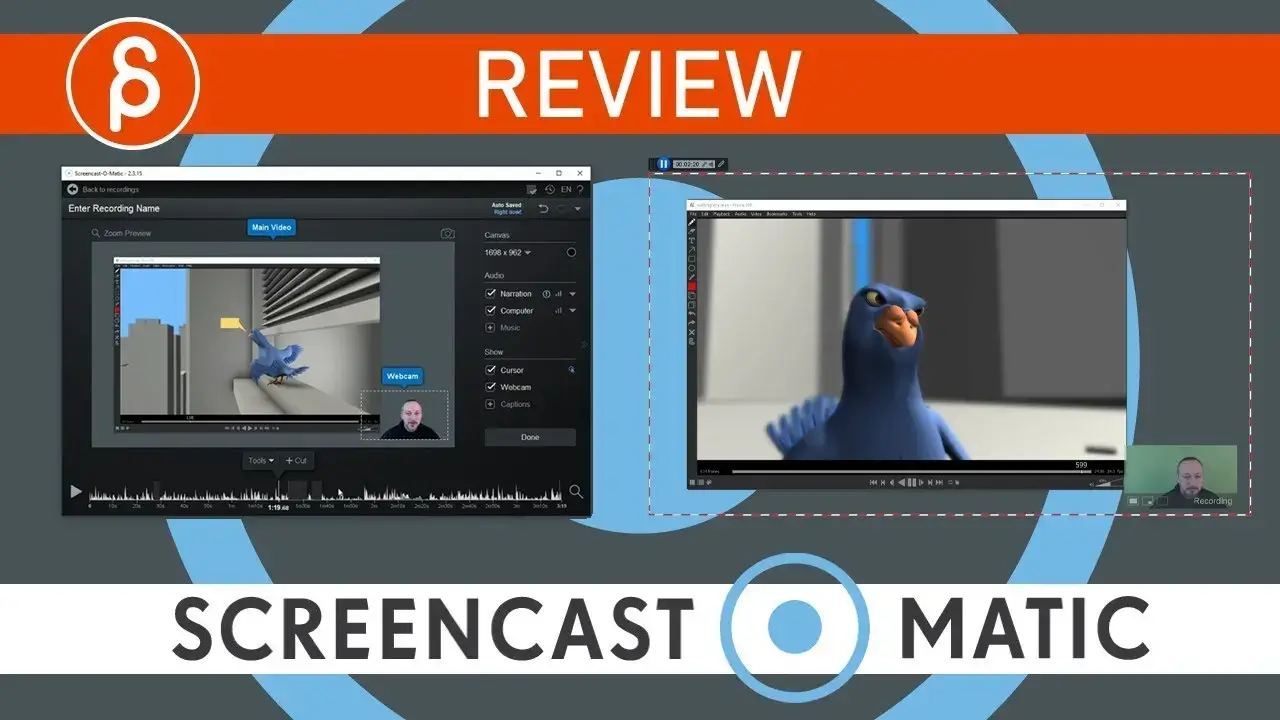
The free plan is suitable for short videos, not over 15 mins. It has limited access to editing and recording tools. To get full access to the advanced tools and features, upgrade it to Deluxe or premier plan.
– Key Features:
- Provides you with three plans, including a free one.
- Has annotation and cursor effects.
- Includes pan zoom in and zoom out effects.
- Allows you with a screen and webcam recording. The paid version has access to several features.
- No watermarks, access to record screen audio, and publish it on Google Drive or Dropbox with no hassle.
- Features green screen recording as well.
– Pros:
- Web-based tool, no heavy installation required.
- Affordable pricing plans, including a free option.
- Supports screen + webcam recording.
- Easy sharing to Google Drive and Dropbox.
- No watermark in paid plans.
– Cons:
- Free plan is limited to 15-minute recordings.
- Editing features are basic compared to Camtasia.
- Requires an internet connection for smooth usage.
3. Free cam
Free Cam is a free alternative to Camtasia. It boasts many features, and on having a pro account, you have access to advanced features.
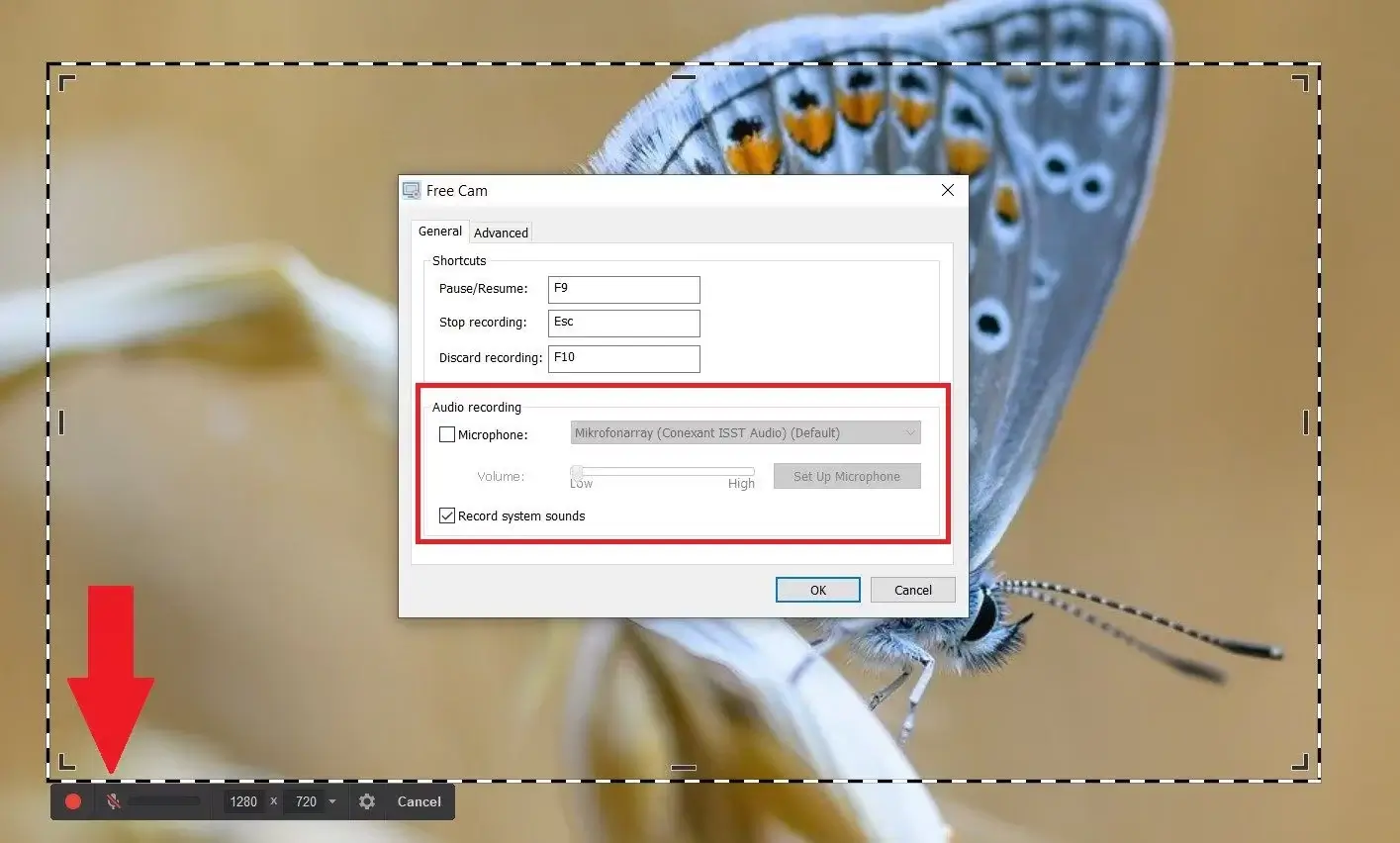




While the free plan is suitable for beginners, you can upgrade to the premium version to access the excellent features of the Free Cam. Remember, Free Cam is only available for Windows.
– Key Features:
- User friendly and can easily create and edit videos.
- Has annotation and cursor effects.
- Features custom size screen recording and allows screen casting.
- Audio and video editing with the option of trimming unwanted parts and background noise reduction.
- Features voice-overs, i.e., add speech to the video.
– Pros:
- Completely free version available with no watermark.
- Simple and intuitive interface for beginners.
- Good audio editing features like noise reduction.
- Supports annotations, cursor effects, and voice-overs.
– Cons:
- Available only for Windows users.
- Free version lacks advanced export options.
- Limited video formats compared to paid tools.
4. Bandicam
Bandicam is one alternative to record high-quality videos and with similar features as that of Camtasia. Let’s look at some of its features.
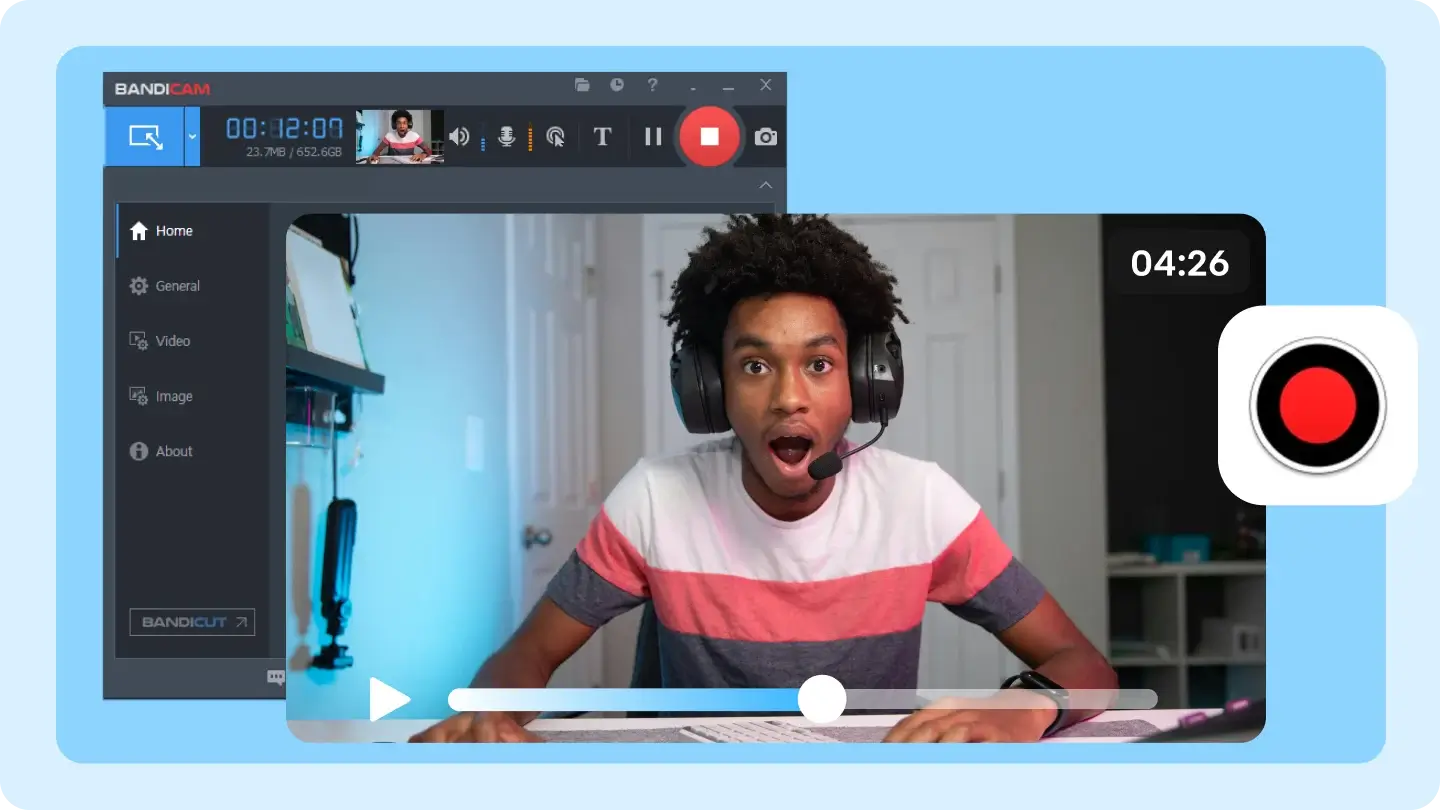
Bandicam comes with a freemium version as well as a premium version that grants you access to all the premium features.
– Key Features:
- It is user-friendly and has a free plan.
- Various recording modes like gaming, screen, and video recording.
- It has a high fps rate and hence records high-quality videos.
- Allows you to set up external video devices like a webcam to attach your video to the videos you are recording.
- Record partial or whole screen.
- For Windows only.
– Pros:
- Records high-quality videos with high FPS, ideal for gaming.
- Multiple recording modes (screen, game, device).
- Lightweight software with smooth performance.
- Supports webcam overlay.
– Cons:
- Free version includes a watermark.
- Editing features are minimal compared to Camtasia.
- Windows-only software.
5. EzVid
EzVid is one of the video editing software that automatically creates speech for your videos. It covers all the powerful features that one might want in their editing software.
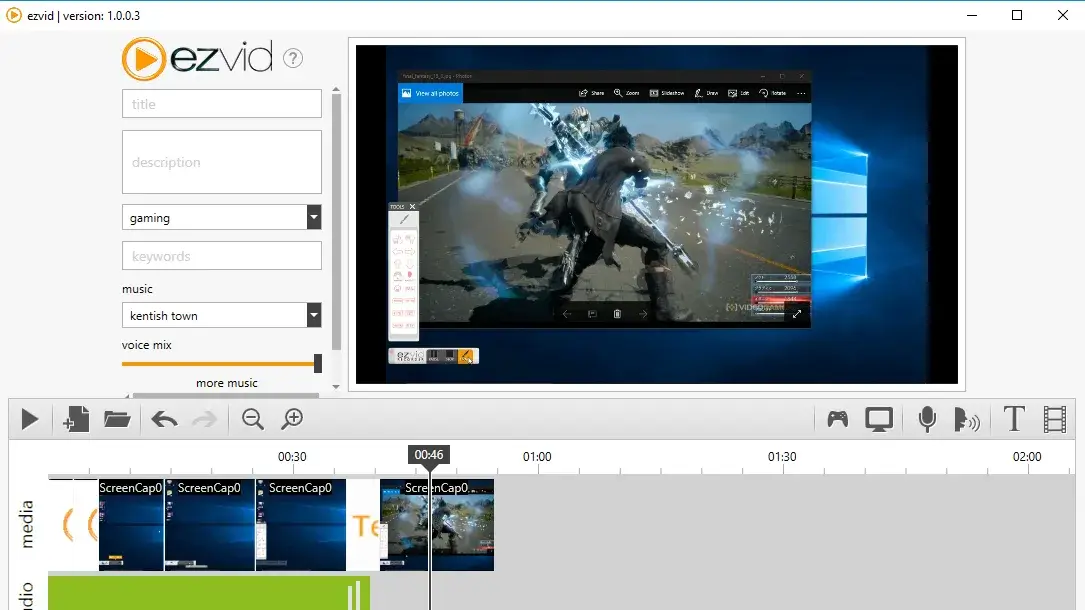
One of the reasons why it is an excellent alternative to Camtasia is because it is free to use.
– Key Features:
- Screen recording and video editing both are available.
- A very user-friendly interface and makes it easy to record screens.
- The feature of speech synthesis allows adding speech to your videos along with keywords and titles for your recordings.
- It will enable you to zoom the selected area and draw in your videos.
- High resolution and screenshots up to 30 fps make it more versatile.
– Pros:
- Completely free to use.
- Built-in speech synthesis feature.
- Very easy to use for quick screen recordings.
- Supports drawing and zooming during recordings.
– Cons:
- Limited video editing capabilities.
- Exports only up to 30 FPS.
- Interface looks outdated compared to modern tools.
- Windows-only application.
6. ScreenFlow
ScreenFlow is a more straightforward and user-friendly app than Camtasia. However, it fulfills the needs of only Mac users.
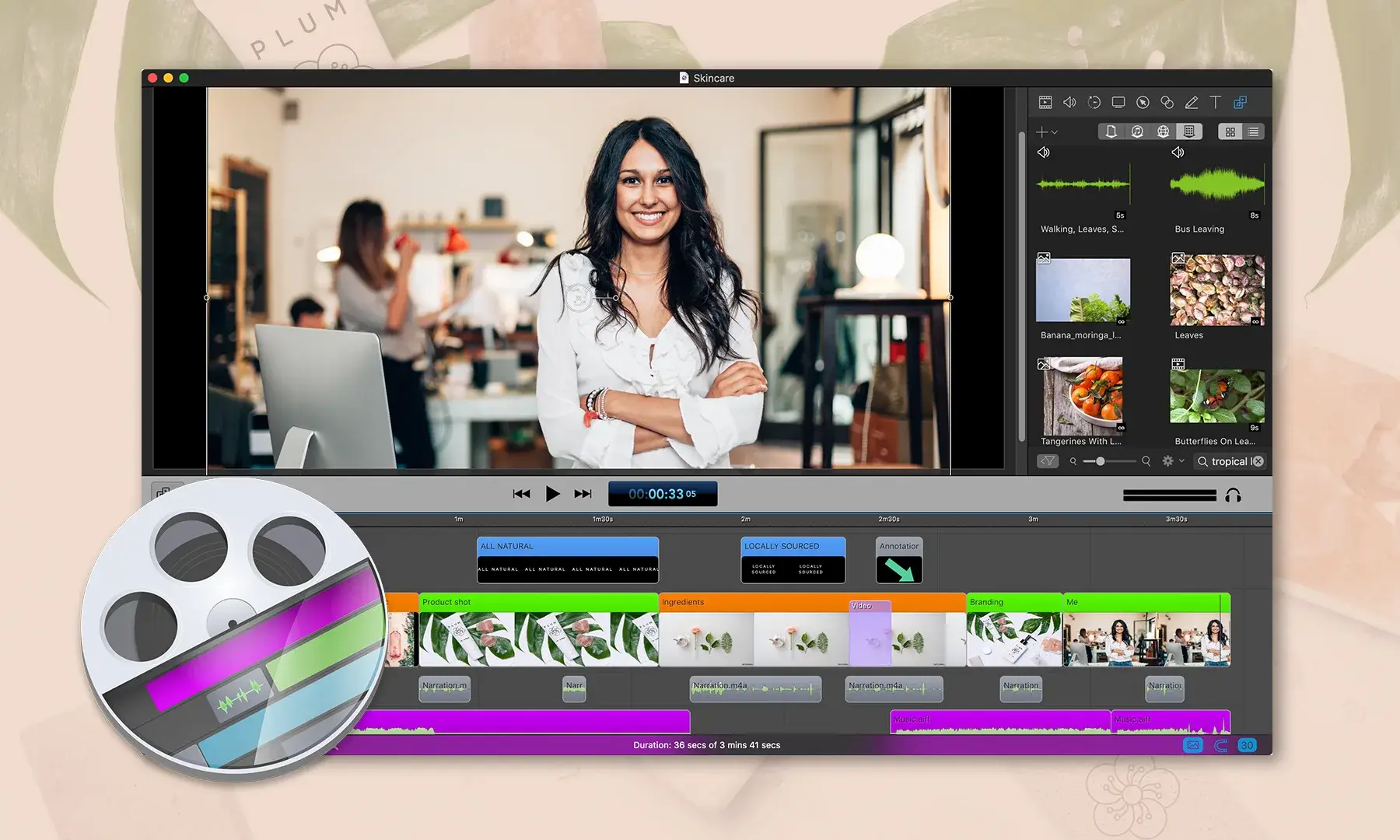
If you are using Mac, ScreenFlow is hands-down the best Camtasia alternative for you with plenty of robust functionalities.
– Key Features:
- Provides fast recording and high-quality recording.
- Has annotation and cursor effects.
- Allows you to capture the partial and full screen.
- You can add the pan, zoom in and out effects.
- Only for Mac users.
- Includes custom size screen recording.
– Pros:
- Excellent performance and high-quality recordings.
- Powerful editing tools with smooth animations.
- Ideal for professional tutorials and presentations.
- Optimized specifically for macOS.
– Cons:
- Only available for Mac users.
- More expensive than most alternatives.
- No free version (trial is limited).
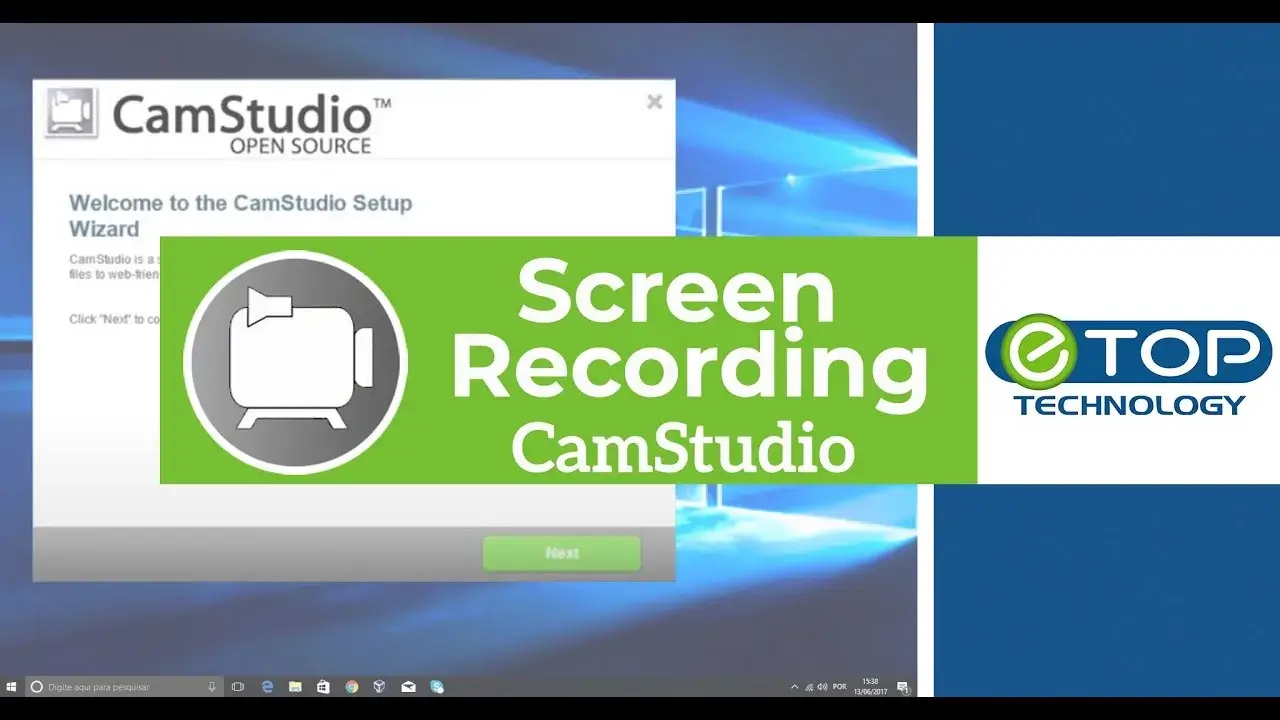
7. CamStudio
CamStudio is an open-source alternative for Camtasia. It provides regular updates to ensure that you get the best of CamStudio without any bugs. Furthermore, it serves best for instructional video makers.
– Key features:
- Allows picture in picture webcam recording. Along with this, it can also record the screen simultaneously.
- Allows recording any application audio or other device audio, along with your screen audio.
- Conversion of video files for online streaming.
- Fast upload speed because of smaller video files.
– Pros:
- Open-source and completely free.
- Supports screen and webcam recording.
- Small file sizes, ideal for online uploads.
- Suitable for instructional and educational videos.
– Cons:
- Lacks modern UI and advanced editing tools.
- Occasional bugs despite updates.
- Not ideal for high-resolution or professional editing.
Conclusion
And that wraps up our Best Camtasia alternative list! All the apps come with powerful features that you might look at in the Camtasia alternative. To save your pocket, we also covered some of the best freemium apps.
If we have to pick one, we would recommend going with Filmora. In the end, choosing the best Camtasia alternative depends on your needs and budget.
We hope you liked our article about the best alternatives to Camtasia. Let us know which app worked as the best alternative in the comment section below.